2of2
A second check for your wallet
Require approval from both your wallet and a separate Vault signer.

Multisignature for Stellar
Add Vault as a signer on your Stellar account. Review requests on your phone and approve them with a key stored on your device.
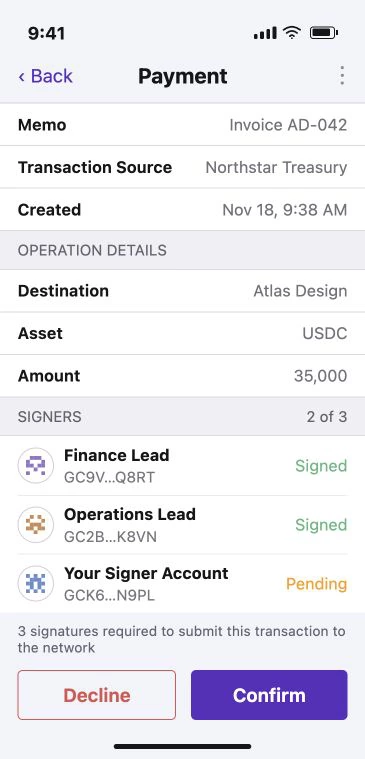
Check the recipient, amount, and other signers.
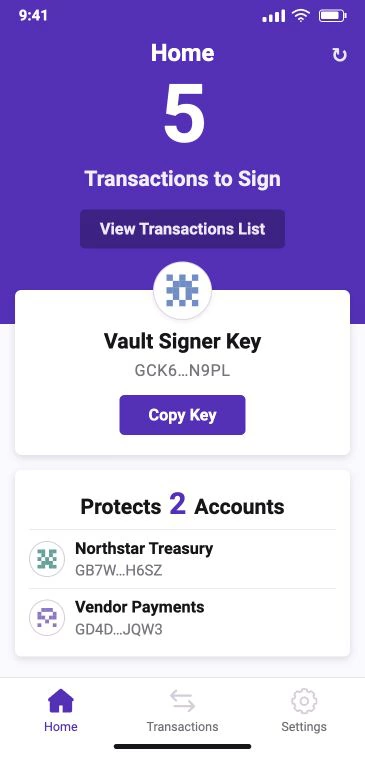
Vault generates and stores your phone’s signer key locally.
Set how many signatures your Stellar account requires.
Northstar Treasury is paying Atlas Design. The account requires three signatures to submit the 35,000 USDC invoice.
Home shows the accounts you protect and the requests waiting for your signature.
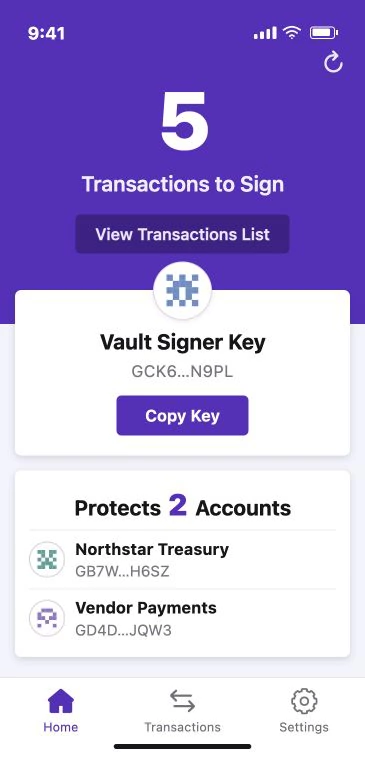
Use another device for your own account or share approvals across a team.
2of2
Require approval from both your wallet and a separate Vault signer.
3of5
Require any three of five equally weighted signers to approve a transaction.
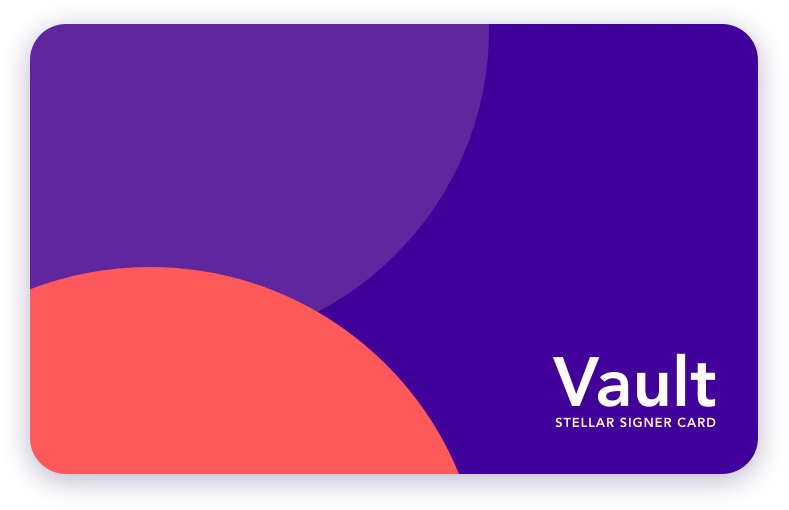
Use a Vault Signer Card as a hardware signer in your setup.
Explore Signer CardUse Vault alongside your existing Stellar wallet or exchange.
Yes. Vault adds a signer to your Stellar account. Compatible services such as LOBSTR Wallet can send requests directly to Vault. You can also import a transaction XDR manually.
Your funds stay in your Stellar account. Vault holds a signer key used to review and sign transactions.
Set a six-digit PIN and enable biometric authentication on devices that support it.
You can restore your Vault signer with its recovery phrase. Keep the phrase private and store it somewhere you can access without your phone.
Yes. Stellar lets you assign weight to each signer and choose the thresholds for transactions. A shared account can require more than one person’s signature.
iOS and Android
Add a second approval to your Stellar account.